Related to: MLOps
MLflow - A platform for the machine learning lifecycle
An open source platform for the machine learning lifecycle MLflow is an open source platform to manage the ML lifecycle, including experimentation, reproducibility, deployment, and a central model registry. https://mlflow.org
mlflow
The module provides a high-level “fluent” API for starting and managing MLflow runs. https://www.mlflow.org/docs/latest/python_api/mlflow.html
https://github.com/404Vector/Docker.MLFlow
개요
MLflow는 실험, 재현성, 배포 및 중앙 모델 레지스트리를 포함한 ML 수명 주기를 관리하는 오픈 소스 플랫폼입니다.
핵심 개념
What is ML Flow
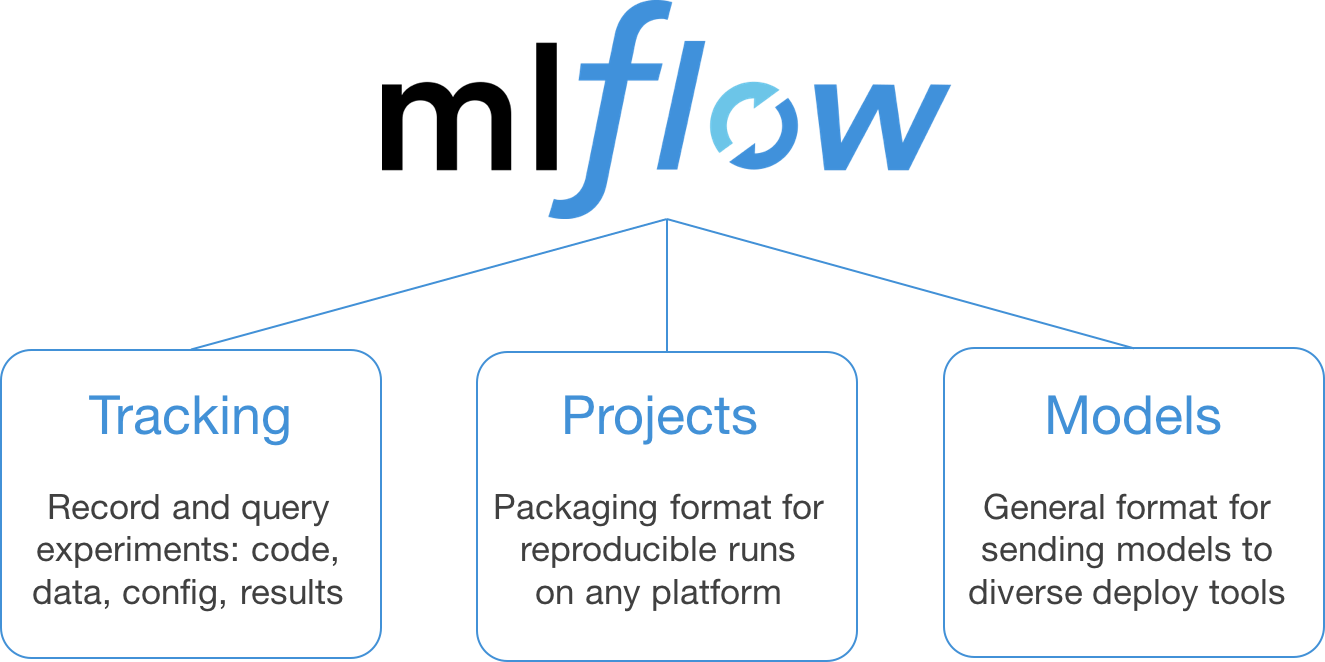
MLflow는 다음 4가지 핵심 컴포넌트로 구성됩니다.
- MLflow Tracking: Record and query experiments: code, data, config, and results
- MLflow Projects: Package data science code in a format to reproduce runs on any platform
- MLflow Models: Deploy machine learning models in diverse serving environments
- Model Registry: Store, annotate, discover, and manage models in a central repository
ML Flow 기본 구조
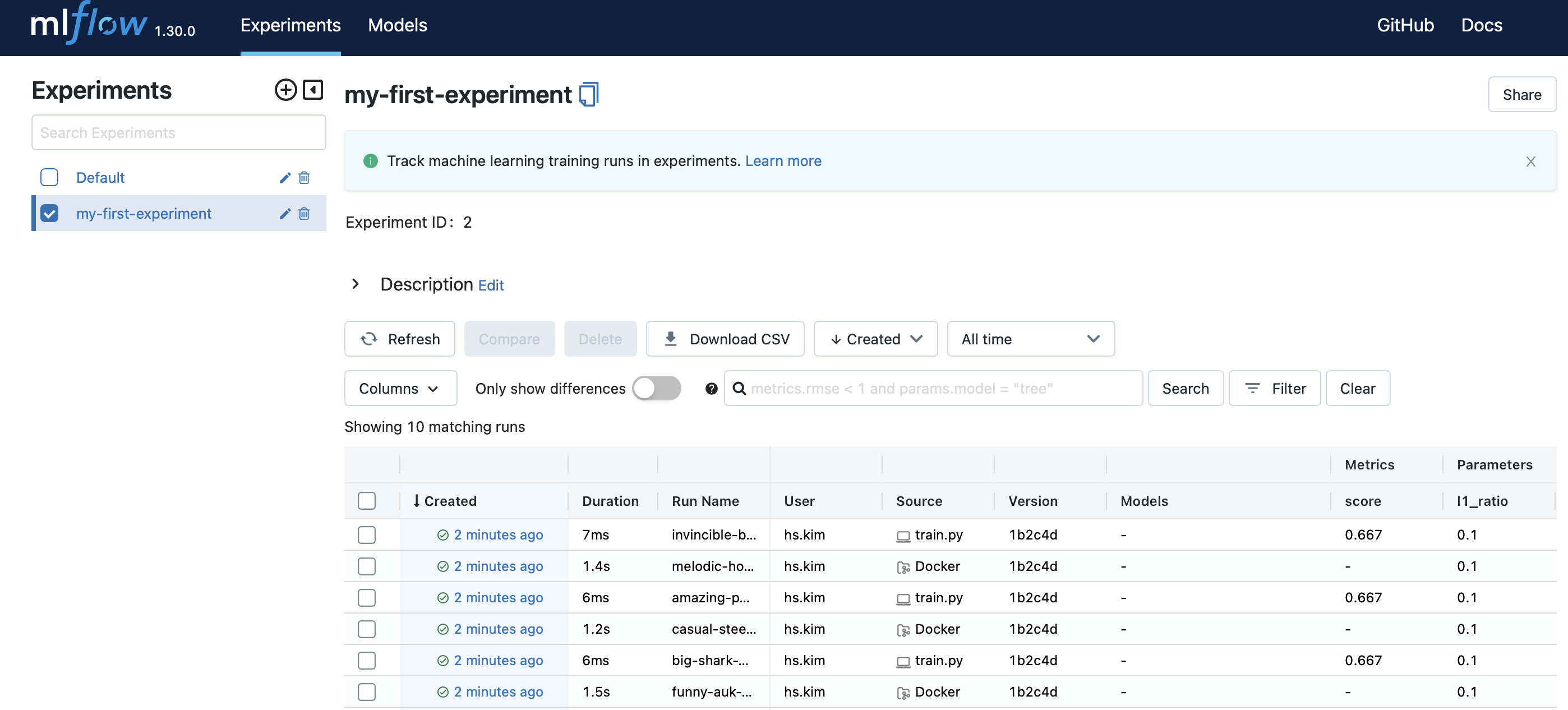
Experiment > Run > Parameter, Metric, Model, Result Image, …etc
- Parameter, Metric, Model, Result Image, …etc: ML Flow에 기록하고자 하는 정보들(ex: f1 score, accuracy, miou, … etc)
- Run: python code(entry point) 1회 실행 시, 모아지는 정보들의 집합. train.py를 한 번 돌렸을 때 나오는 여러가지 기록들을 가지고 있음
- Experiment: ML Flow로 기록하는 정보의 가장 큰 단위. 같은 종류의 Run들의 집합. 예를 들어, Mask & Gender & Age를 각각 분류한다면 Mask Experiment & Gender Experiment & Age Experiment로 구분할 수 있음
예시 / 코드
Logging, Running
훈련을 하기 위해서는 python으로 code를 만듬 → train.py
# train.py

import argparse
import sys

import numpy as np
from sklearn.linear_model import LogisticRegression

import mlflow

from mlflow import log_metric, log_param, log_artifacts

if __name__ == "__main__":
    X = np.array([-2, -1, 0, 1, 2, 1]).reshape(-1, 1)
    y = np.array([0, 0, 1, 1, 1, 0])

    lr = LogisticRegression(solver=sys.argv[1], penalty=sys.argv[2], l1_ratio=float(sys.argv[3]))

    with mlflow.start_run() as run:
        lr.fit(X, y)

	    log_param("solver", sys.argv[1])
	    log_param("penalty", sys.argv[2])
	    log_param("l1_ratio", sys.argv[3])

	    score = float(lr.score(X, y))
	    log_metric("score", score)

	    print("Score: %s" % score)
Logging
mlflow.start_run() 으로 기록을 시작, mlflow.end_run() 으로 기록을 종료
\#---- 방법 1----
with mlflow.start_run() as run:
		#~logging

\#---- 방법 2----

mlflow.start_run()
# ~ logging
mlflow.end_run()
기록하고 싶은 항목들은 위와 같이 mlflow.log_* 등의 메소드를 통해 코드 내부에서 지정
Execute
그럼 저 코드를 mlflow를 통해 실행 및 기록하려면 어떻게 해야 할까?
이를 위해서는 mlflow에게 어떤 파일을 어떤 파라메터를 넣고 어떤 파일을 실행할지 알려줘야 할 필요가 있음
ml flow는 Dockerfile처럼 ‘MLProject’라는 파일을 통해 이 정보를 기록
some-project-folder
- MLProject # mlflow에게 넘겨줘야 할 정보들이 담겨있는 파일 train.py # 훈련을 위해 만든 코드
(예시 파일)
# MLProject
name: tutorial

entry_points:
  main:
    parameters:
      solver:
        type: string
        default: "saga"
      penalty:
        type: string
        default: "l2"
      l1_ratio:
        type: float
        default: 0.1
    command: "python train.py {solver} {penalty} {l1_ratio}"
실행을 위해서는 아래와 같이 어떤 파일이 아닌, MLProject가 들어있는 폴더의 경로를 입력해줌
mlflow run ./some-project-folder --experiment-name "some-experiment"
이 때, ‘some-experiment’ 자리에 입력하는 변수가 앞서 언급했던 Experiment를 의미
ML Flow 사용
localhost 단일 사용(Running & Tracking)
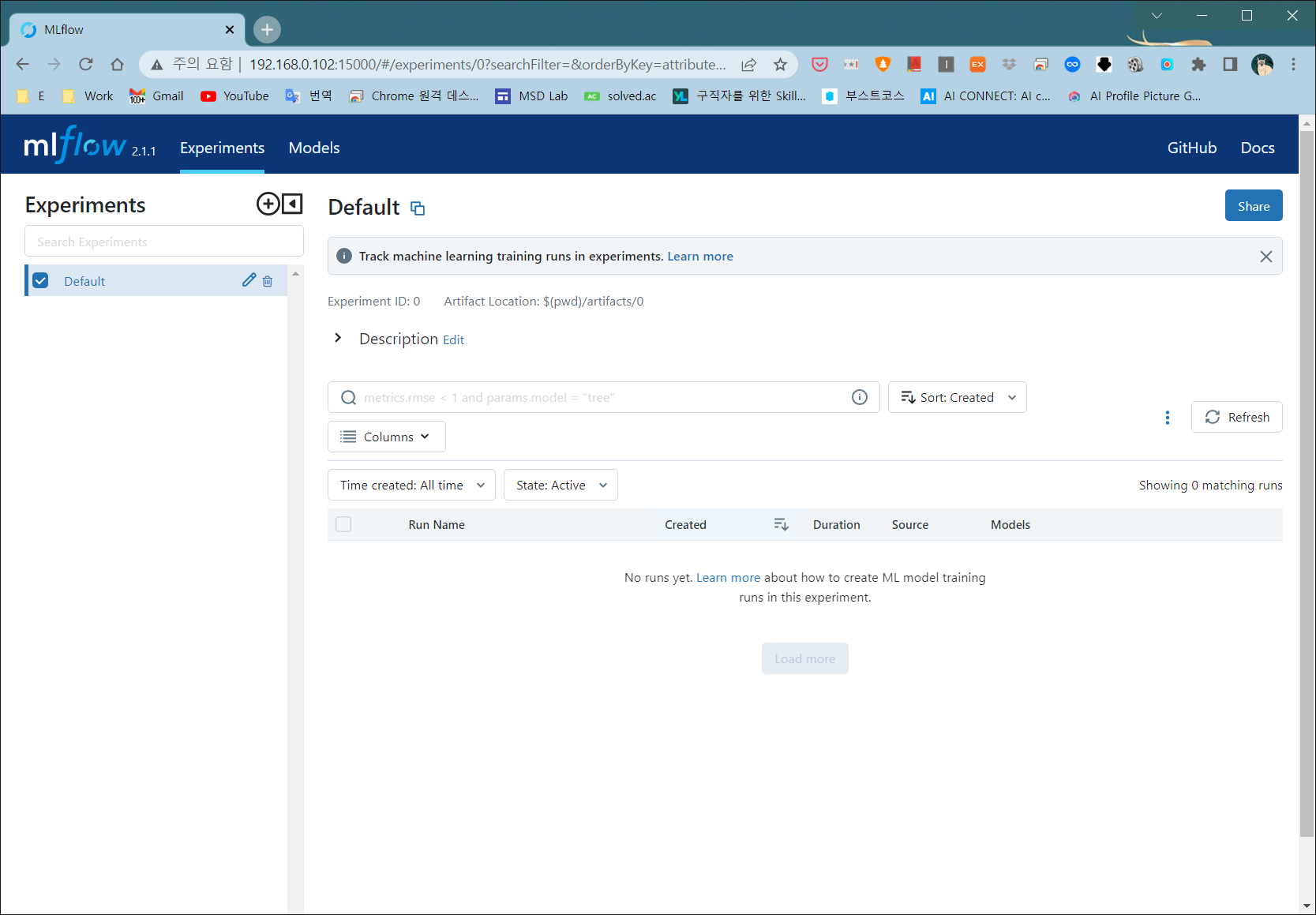
local에서 사용 시(mlflow run ~), 현재 경로의 [mlruns]폴더를 만들어서 기록을 저장
따라서 같은 경로에서 tracking server를 (mlflow ui 를 입력)실행
localhost(Running) + localhost Docker(Tracking)
docker를 이용해서 tracking server를 따로 가져간다고 해도 mount를 통해 working directory를 공유하면 되기 때문에 사용이 크게 다르지 않다
localhost(Running) + remotehost(Tracking)
mlflow server -h 0.0.0.0 --backend-store-uri sqlite:///mlflow.db- https://dailyheumsi.tistory.com/260 읽어보기
성공!
관련 개념
- MLOps - MLflow가 핵심 도구로 사용되는 MLOps 체계
- MLflow - Tracking Server Docker Image 만들기 - Docker를 이용한 MLflow Tracking Server 구성
- Docker - MLflow Tracking Server를 컨테이너로 실행
- Machine Learning - MLflow로 실험을 추적하는 머신러닝 프로세스